configuration
How to Change Open WebUI Port: Docker, Compose, Python
Change the Open WebUI port by editing the host side of -p 3000:8080, the Compose ports entry, PORT under host…
OpenWebUI vs LibreChat for a team: Open WebUI for Ollama, local RAG and OTel; LibreChat for MIT, SAML and token budgets. Includes a TTFT probe.
Read the article →Change the Open WebUI port by editing the host side of -p 3000:8080, the Compose ports entry, PORT under host…
Open WebUI shows no models? Check the backend for a pulled model, the connection URL, saved settings, model f…
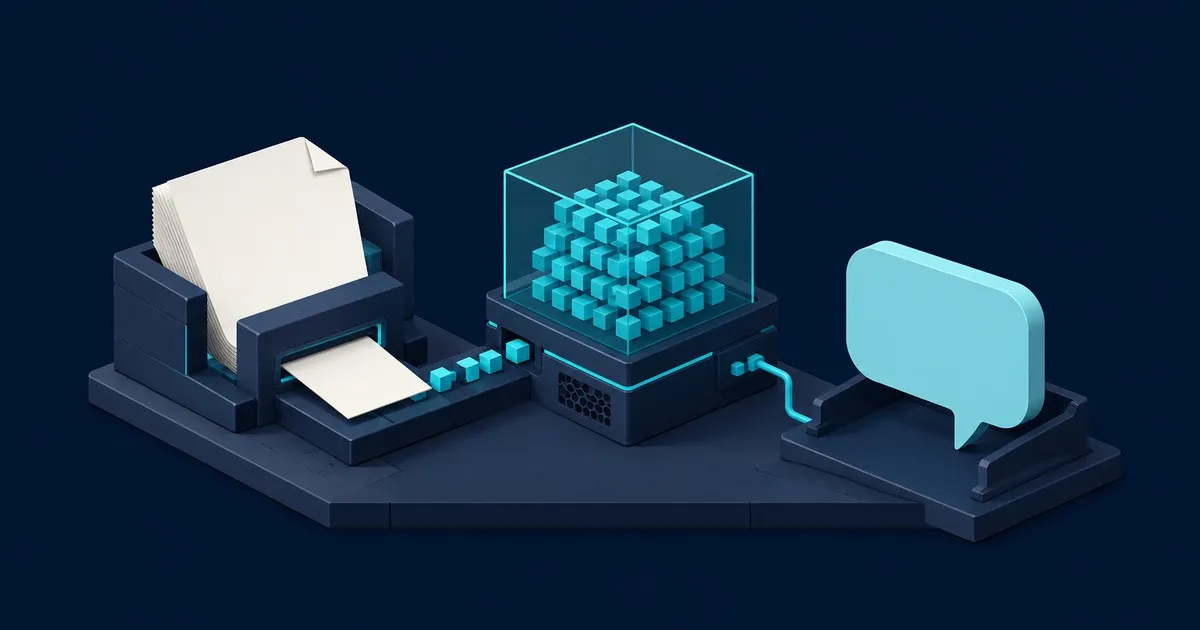
Follow an Open WebUI document from upload through extraction, embeddings and retrieval, then configure Knowle…
How to update the Open WebUI container without losing chats: back up the volume, pull, recreate, pin a versio…

A documentation-level comparison of Open WebUI and LibreChat: install footprint, configuration model, model c…

Getting Ollama: Network Problem or a server connection error in Open WebUI? Check Ollama's bind address, Dock…
Start with the architecture guide to understand what Open WebUI does and what belongs to the model backend. The Docker guide takes you from installation to your first chat; the connection guide helps when the model list stays empty. Compare front ends before choosing one, then follow the document upload and container update guides as you add retrieval and maintain the instance.
How the chat interface, Ollama backend, embeddings and context window fit together, and which component owns each behaviour.
Install the Docker container, preserve accounts and chats in a volume, connect Ollama, and send your first message.
Trace an empty model list or connection error through Ollama's bind address, Docker networking, saved URLs and timeouts.
Open WebUI against LibreChat on install footprint, configuration model, retrieval and licence terms.
Follow an uploaded file through extraction, embeddings and retrieval, then diagnose missing document answers.
Back up the data volume, replace the container, pin a version, and plan a rollback before updating Open WebUI.
Sizing the machine first? Open the VRAM and context sizer and check whether the model and context length you want fit in the GPU you have.